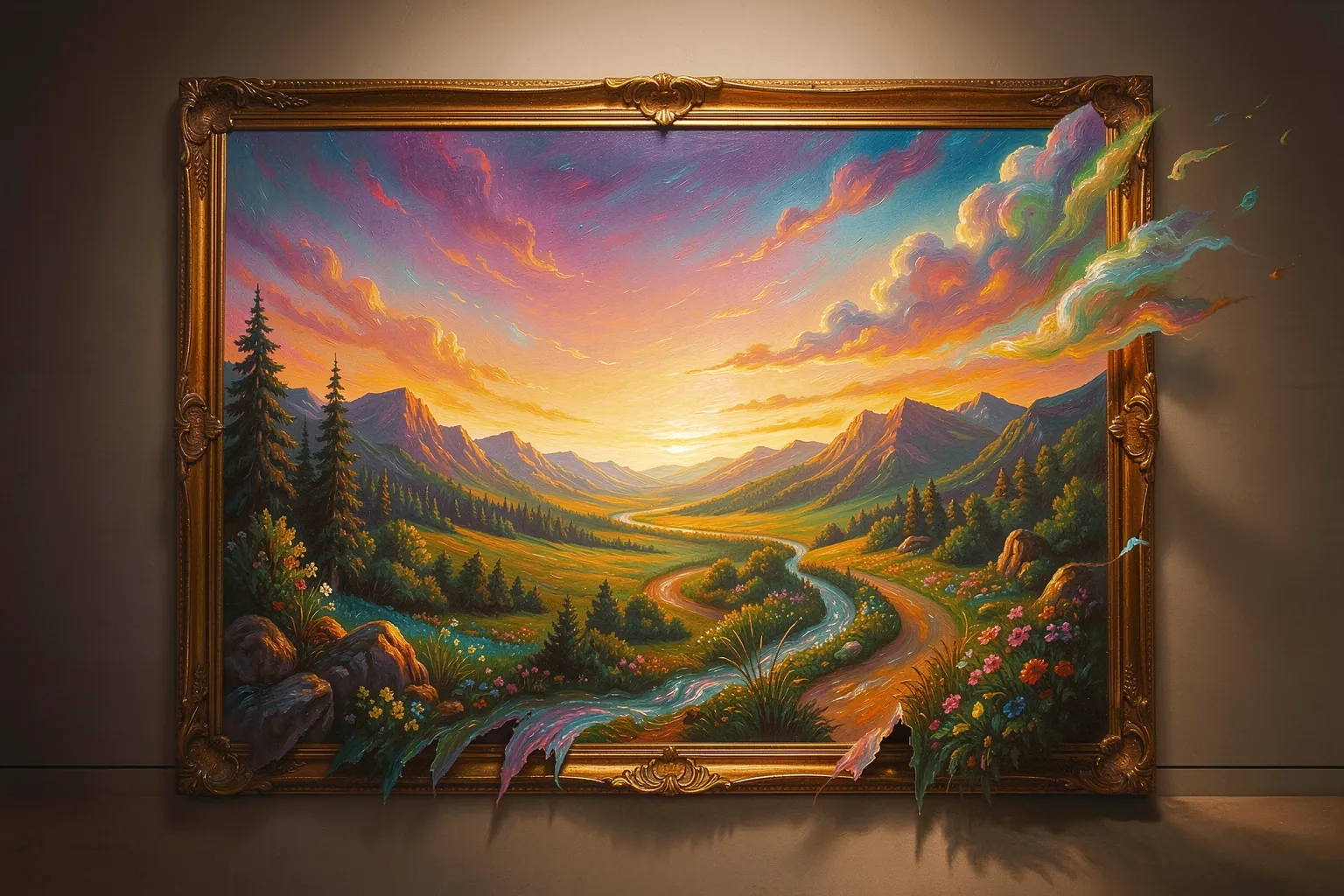
Most AI art tools hand you a fixed square and stop there. Outpainting breaks that wall. Artists push the border outward, then ask the model to invent what lies beyond the original frame. The picture grows, and the composition changes with it.
This move turns a single generation into a starting point, not a finished piece. You keep the part you love. You let the canvas expand toward the story you actually want to tell.
What outpainting really does
Inpainting fills a hole inside an image. Outpainting does the opposite job. It extends the picture past its edges and paints new content into the fresh space. The model reads your existing pixels, matches the lighting and texture, then continues the scene outward.
Think of a portrait cropped tight at the shoulders. Outpainting can reveal the room behind the figure, the window light, the chair, the whole environment. You never redraw the face. You grow the world around it.
Why artists reach for it
Fixed aspect ratios trap a lot of good work. A vertical study fights a landscape crop. Outpainting fixes that mismatch without a full re-roll. You extend one side, then the other, until the frame fits the idea.
It also rescues near-misses. A generation nails the subject but clips a hand or a rooftop. Rather than reroll and lose the magic, you outpaint the missing slice back in. The strong core survives; the flaw disappears.
- Reframe a tight crop into a cinematic wide shot.
- Recover cut-off limbs, buildings, or horizons.
- Build a large mural from one dense, detailed tile.
- Stitch a panorama by extending step after step.
How the workflow runs
You start with an image you trust. You enlarge the canvas on one edge and leave that new strip empty. You write a short prompt that describes what belongs there. The model fills the gap and blends it into the original.
Good artists work in small bites. They extend maybe a third of the frame at a time, not the whole thing at once. Short steps keep the perspective honest and stop the scene from drifting into nonsense. Each pass feeds the next.
Overlap matters too. When you extend, you let the model see a slice of the existing picture. That shared band anchors the color, the grain, and the light, so the seam vanishes instead of announcing itself.
Where it goes wrong
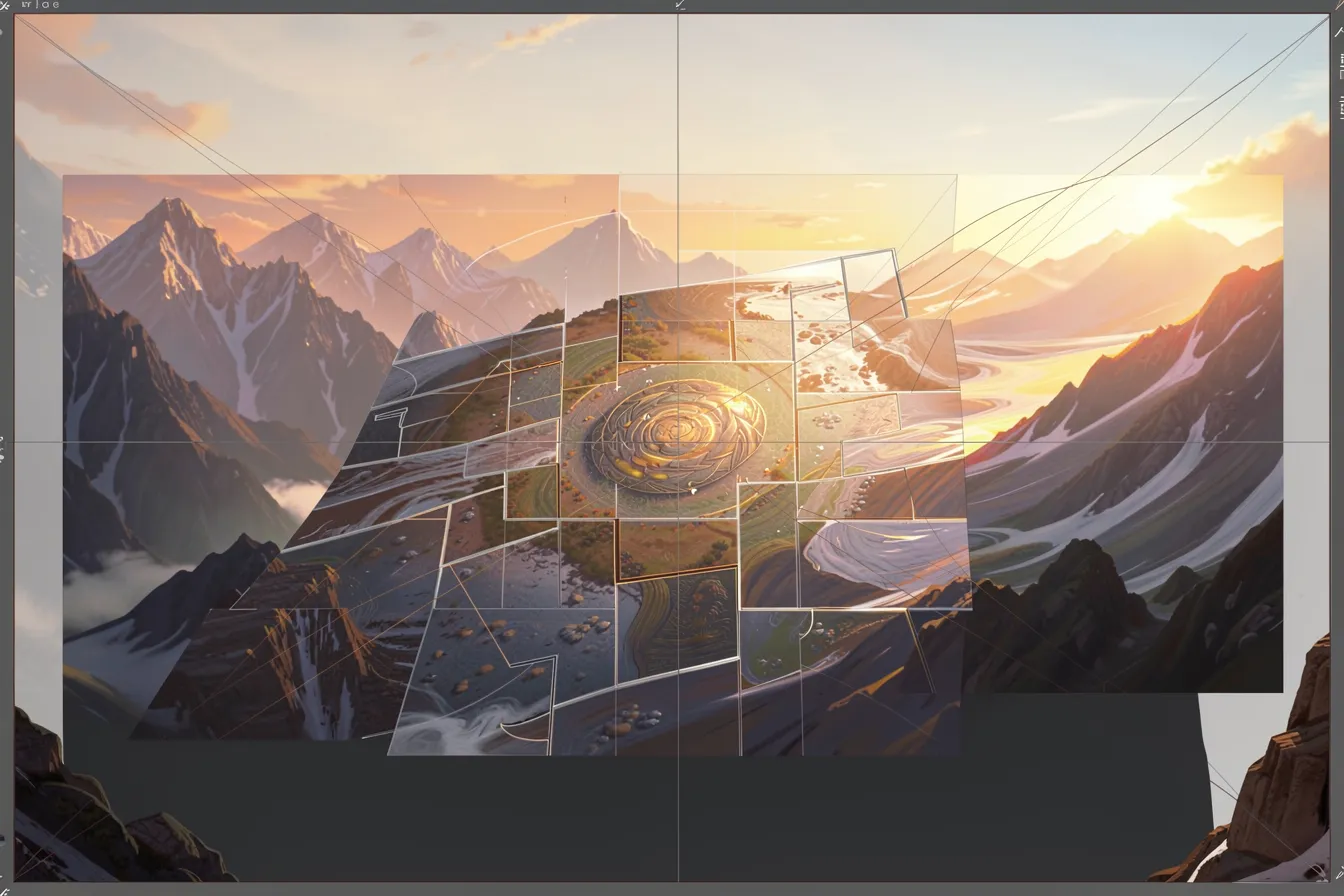
Outpainting punishes greed. Extend too far in one leap and the model loses the thread. Faces sprout in the sky, floors bend, and repeated patterns crawl across the new zone. Pull back, shrink the step, and the coherence returns.
Perspective drifts on long runs. Each extension guesses the vanishing point again, and small errors stack up. Smart artists drop guide lines or a rough sketch into the empty strip first. That hint steers the model and keeps the geometry sane.
A medium, not a patch
Treat outpainting as a shortcut and it stays a repair tool. Treat it as a medium and it changes how you compose. You stop framing the whole picture up front. You grow it, decision by decision, the way a painter walks back from the easel and adds one more figure at the edge.
That shift rewards patience. The artist who plans each extension, guides the perspective, and blends the seams ends up with a piece no single generation could produce. The canvas becomes a conversation, not a fixed rectangle.
Want to try it on your own images? Open the tools at ai-art-designer.de and grow your next piece one edge at a time.
Images: AI-Designed